Videos & tutorials

Watch
the work.

13 short videos of our software and of how we work, and tutorials for the tools you can download. The short ones have no sound: every line is on the screen.

01 / In short

Fifteen seconds
or less.

Press play on any of them.
They play here, on this page.

The studio 3
Software built around your work.The studio in 15 seconds: four of our tools, one after another.Title card for the FutureInvoked software studio, then four short screen captures: a ledger app's position record, an operations request list with named owners, a research tool's findings with source tags, and a list of rule results for a demo portfolio. Ends on the futureinvoked.uk card.On YouTube ↗
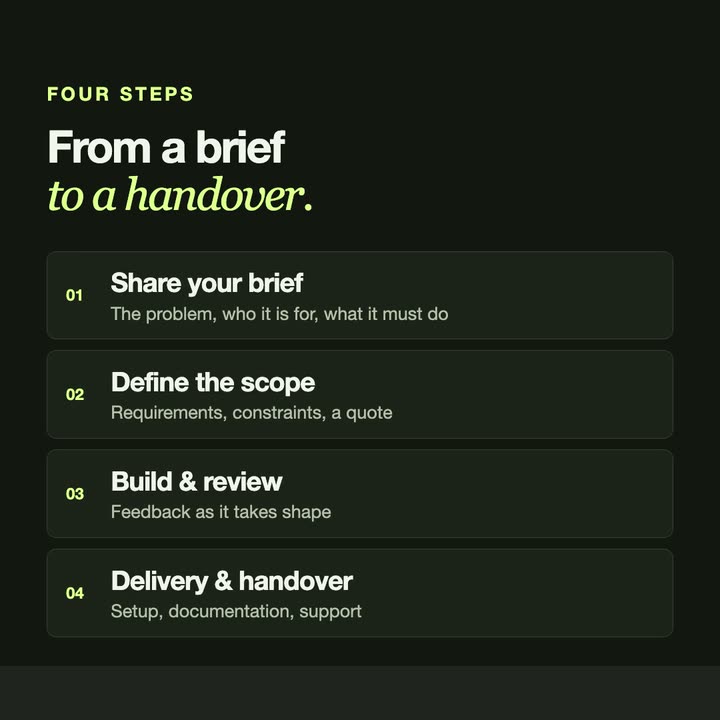
Start with the problem. Not the technology.From a brief to a handover, in four steps.Text animation: the line 'Start with the problem. Not the technology.', then four numbered steps from sharing a brief to delivery and handover, then the FutureInvoked end card with futureinvoked.uk.On YouTube ↗
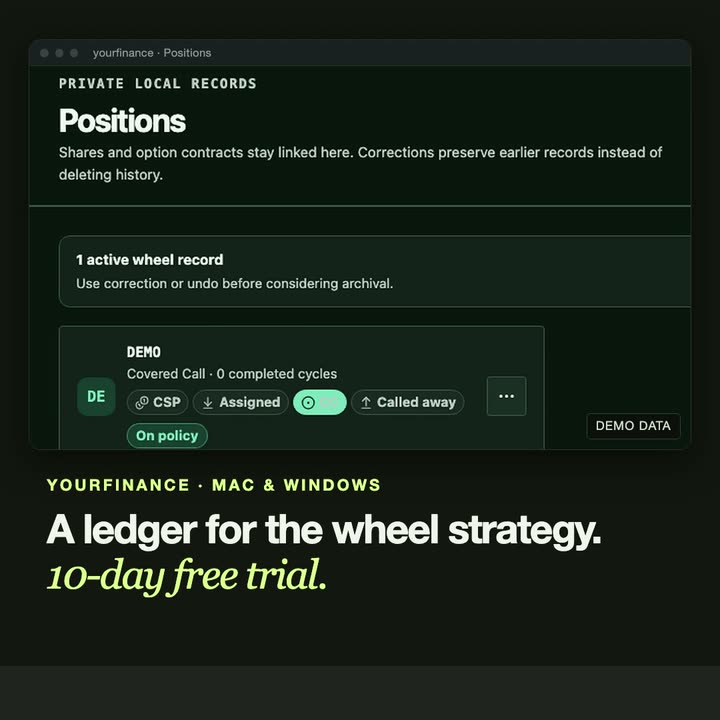
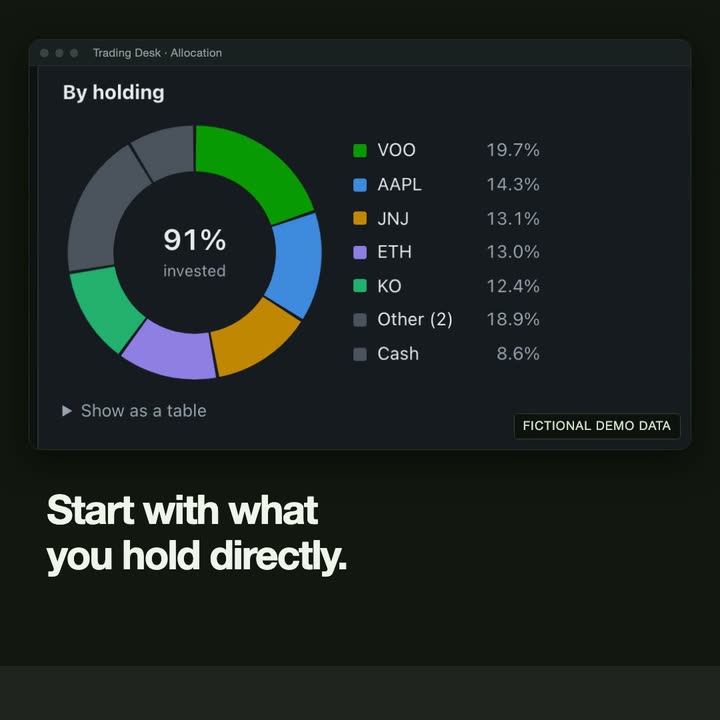
Download what we build.Two of our own tools you can run on your computer.Title 'Download what we build', then the yourfinance positions page closing in on one demo wheel record, and Trading Desk's holdings donut with fictional demo data. Ends on the futureinvoked.uk card.On YouTube ↗

Products you can download 3

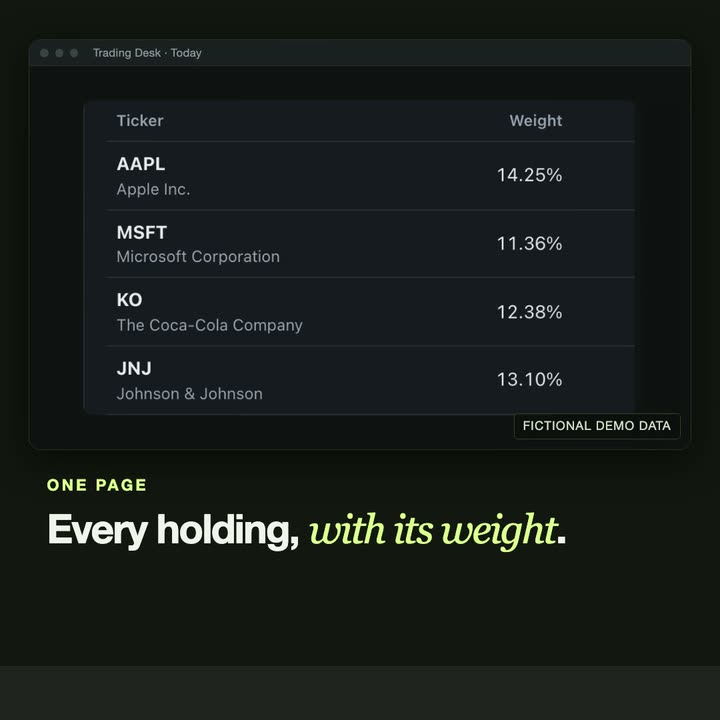
Your rules. Checked by code.Trading Desk: every holding against the limits you set.Title 'Your rules. Checked by code.', then the Trading Desk holdings list with each holding's weight, a card of rule results for one holding with its single-name limit highlighted, a four-step diagram of a brief drafted by AI and checked by code, and the futureinvoked.uk end card. Fictional demo data.Trading Desk →On YouTube ↗
What is inside your funds?Trading Desk: allocation that looks through each fund's ten largest holdings.Trading Desk allocation screens with fictional demo data: a donut of holdings by weight, then bars of the largest exposures once each fund's ten largest holdings are added, then sectors looked through the same way. Ends on the futureinvoked.uk card.Trading Desk →On YouTube ↗
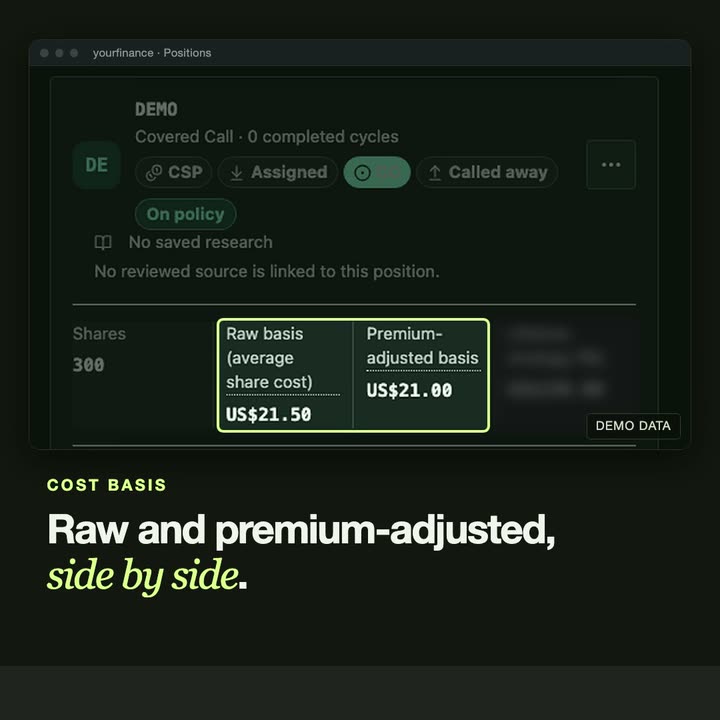
One position. One record.yourfinance: each stage of a position on one record.A yourfinance position record with demo data: the stages of a wheel position highlighted on one record, then the raw and the premium-adjusted cost basis side by side. Ends on a card with useyourfinance.com.yourfinance →On YouTube ↗

Automation and AI with human controls 3
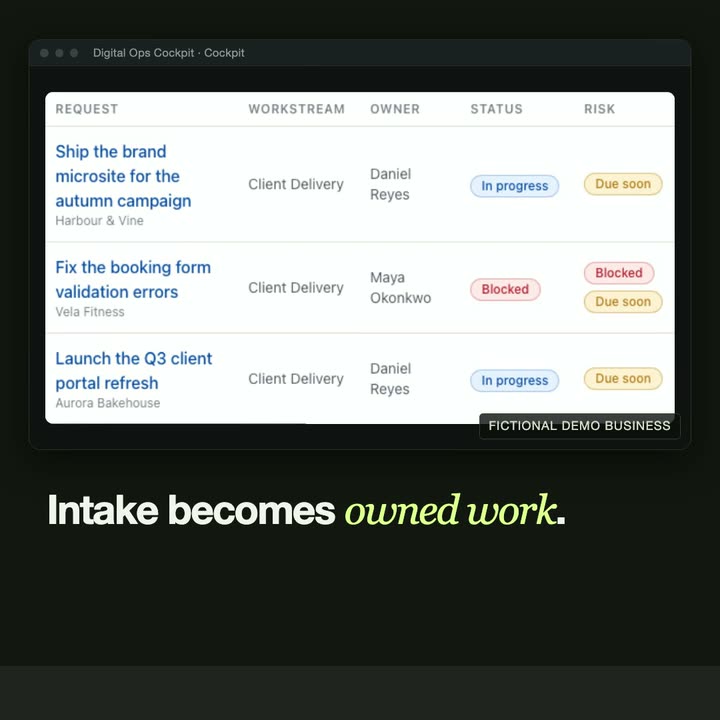
Requests arrive everywhere. Who owns each one?Digital Ops Cockpit: intake that becomes owned work.Title asking who owns each request, then a request list with workstream, owner and status, a panel explaining why a request was routed to its owner, a diagram of four views of the same records, and the futureinvoked.uk end card. Fictional demo business.Digital Ops Cockpit →On YouTube ↗
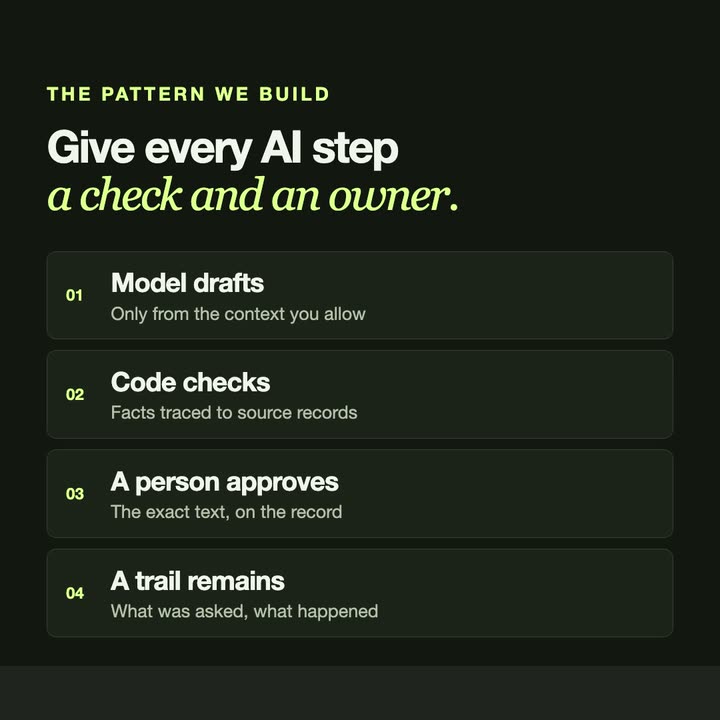
AI can draft. It should not decide.The pattern we build: a check and an owner for every AI step.Title 'AI can draft. It should not decide.', a four-step diagram (the model drafts, code checks, a person approves, a trail remains), a research tool where draft angles keep their source tags, and a card of rule results produced by code. Ends on the futureinvoked.uk card.On YouTube ↗
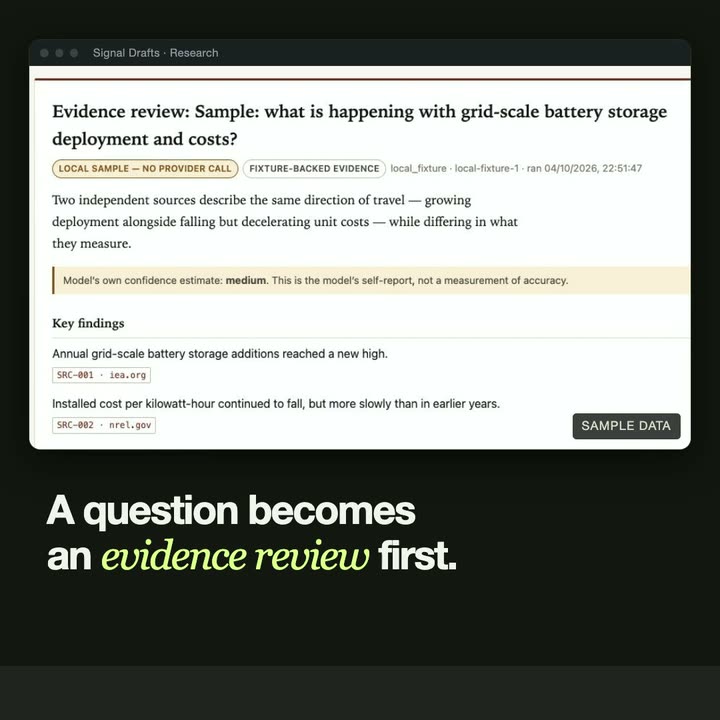
Research first. Then write.Signal Drafts: findings that keep their sources.Title 'Research first. Then write.', then a research tool's evidence review moving to its key findings, each with a source tag, with the first finding highlighted. Ends on the futureinvoked.uk card. Sample data.Signal Drafts →On YouTube ↗

System maps 4

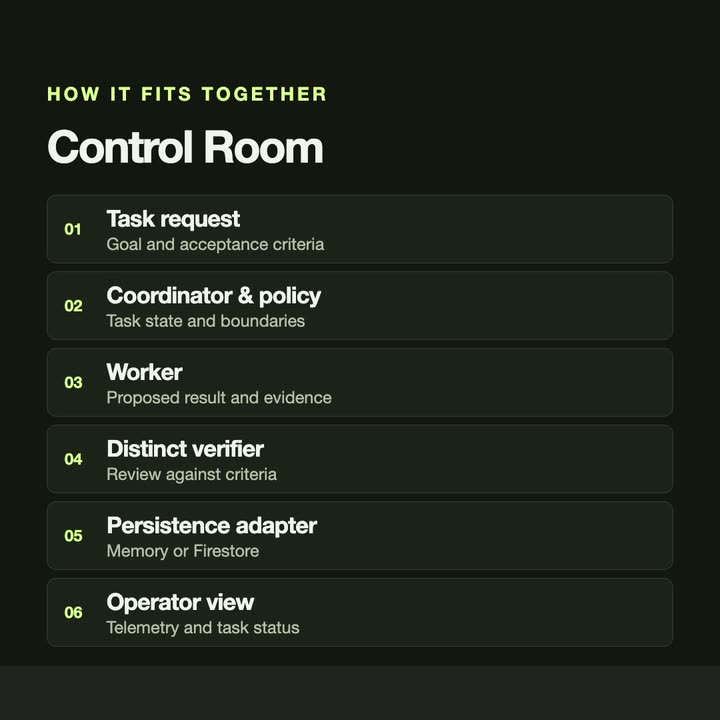
Make the work visible. Verify the result.Control Room: the six parts of the system.Text animation for the Control Room project: its tagline, then a numbered list of the six parts of the system, from task request to operator view, then the FutureInvoked end card with a one-line summary.Control Room →On YouTube ↗
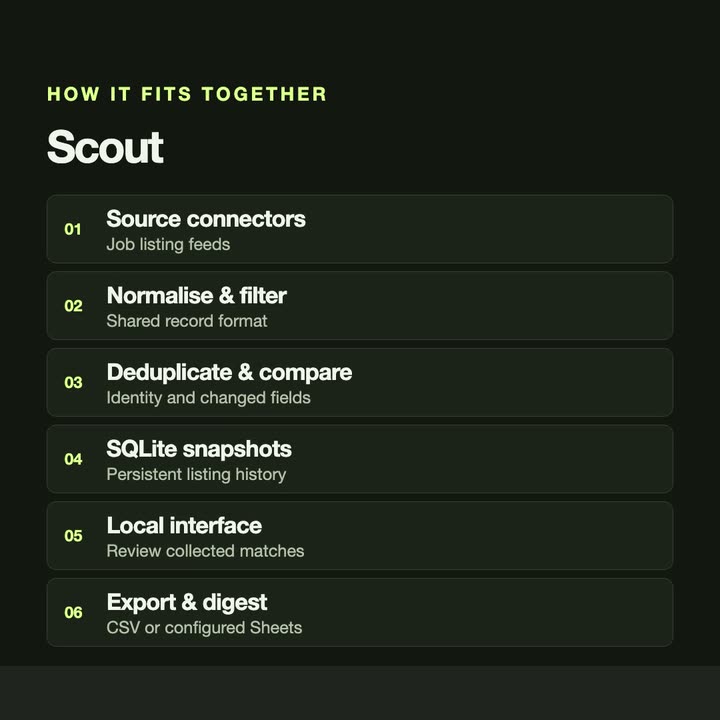
Find the listings that actually changed.Scout: a local pipeline for collecting and comparing listings.Text animation for the Scout project: its tagline, then a numbered list of the six parts of the system, from source connectors to export & digest, then the FutureInvoked end card with a one-line summary.Scout →On YouTube ↗
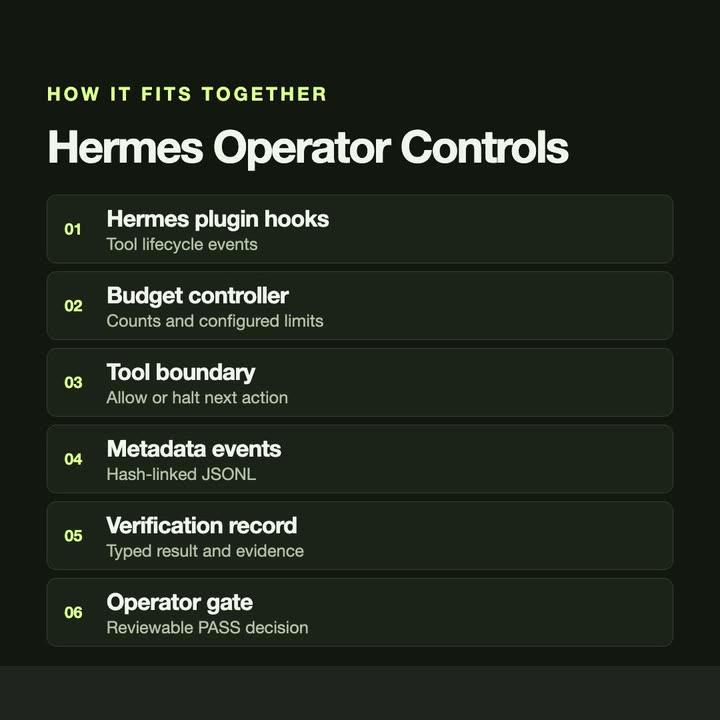
Give an agent boundaries you can inspect.Hermes Operator Controls: budgets, telemetry and verification records.Text animation for the Hermes Operator Controls project: its tagline, then a numbered list of the six parts of the system, from hermes plugin hooks to operator gate, then the FutureInvoked end card with a one-line summary.Hermes Operator Controls →On YouTube ↗
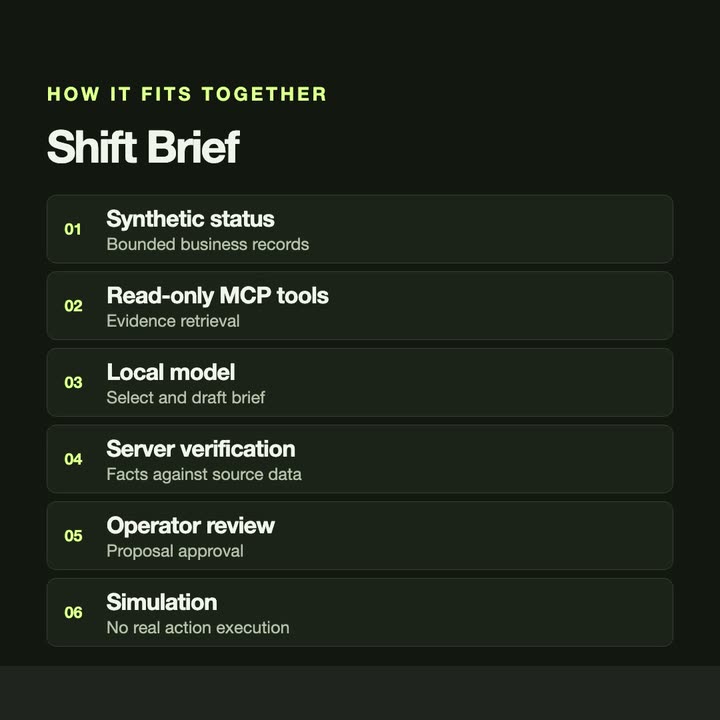
A useful briefing starts with verifiable facts.Shift Brief: a local-model briefing over read-only tools.Text animation for the Shift Brief project: its tagline, then a numbered list of the six parts of the system, from synthetic status to simulation, then the FutureInvoked end card with a one-line summary.Shift Brief →On YouTube ↗

02 / Tutorials

Step by step.
Tool by tool.

Video tutorials are hosted on YouTube.
Nothing loads from there until you press play.

Desktop product

yourfinance

Screen recordings of the app with made-up demo data. They show how the software keeps records; nothing in them is investment or tax advice.

The project page →All yourfinance tutorials ↗
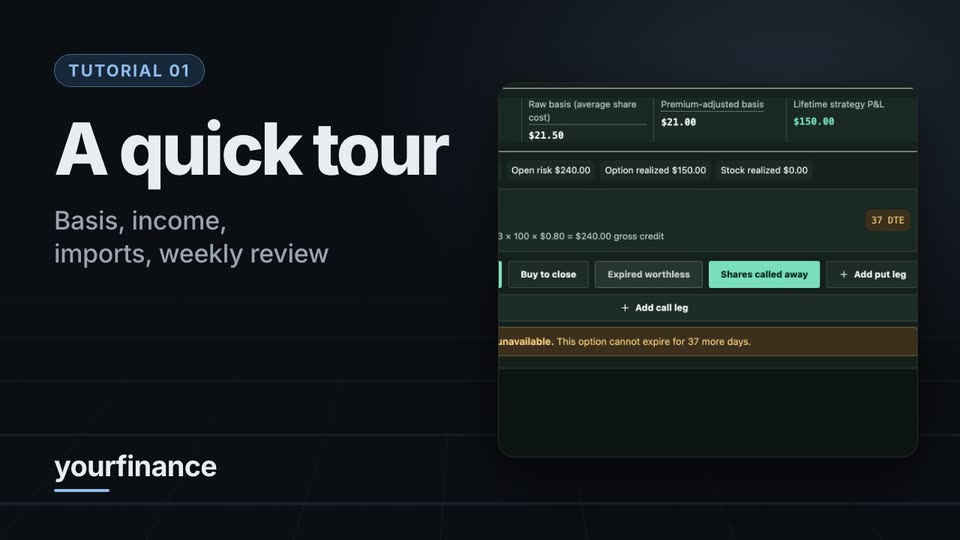
A quick tourCost basis, income, imports and the weekly review.
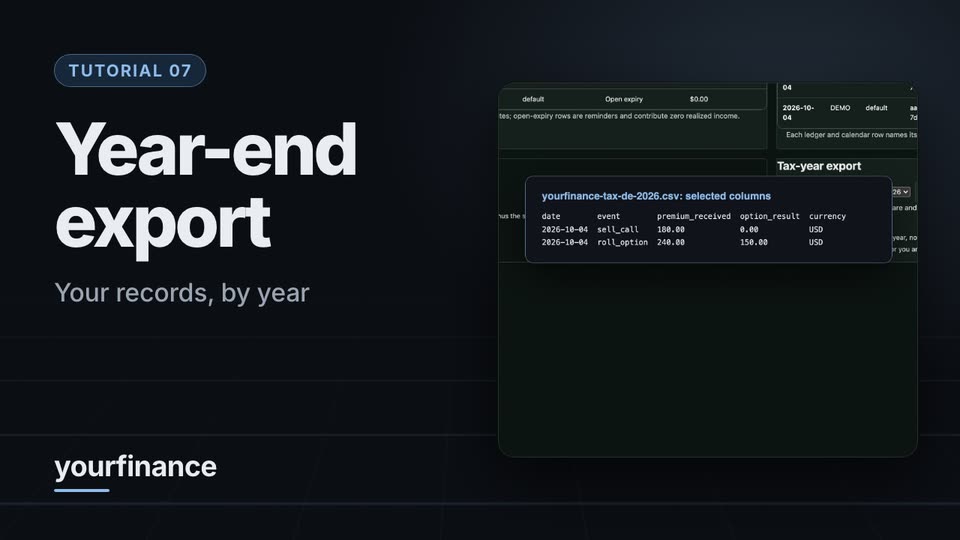
Year-end exportYour records by tax year, in one file. Not tax advice.
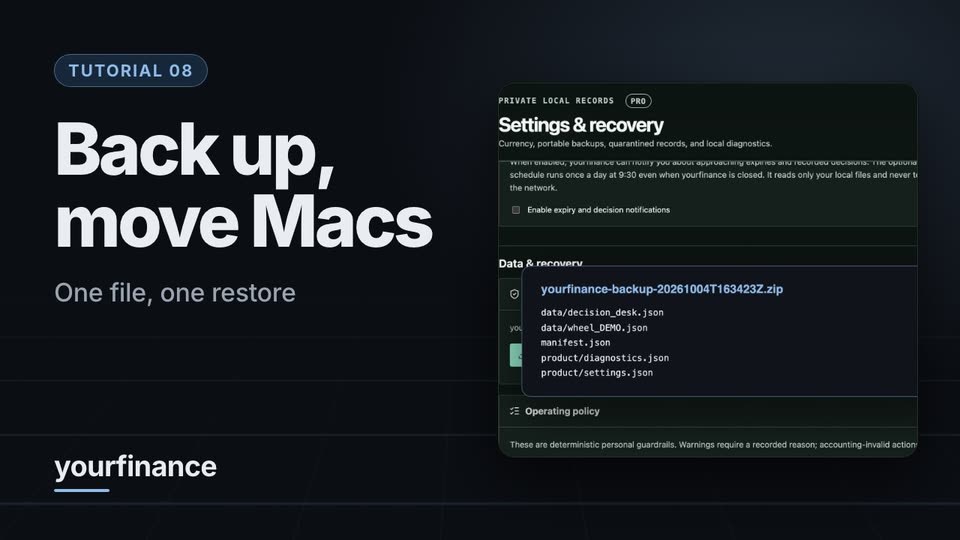
Back up and move to a new MacExport, restore, check.
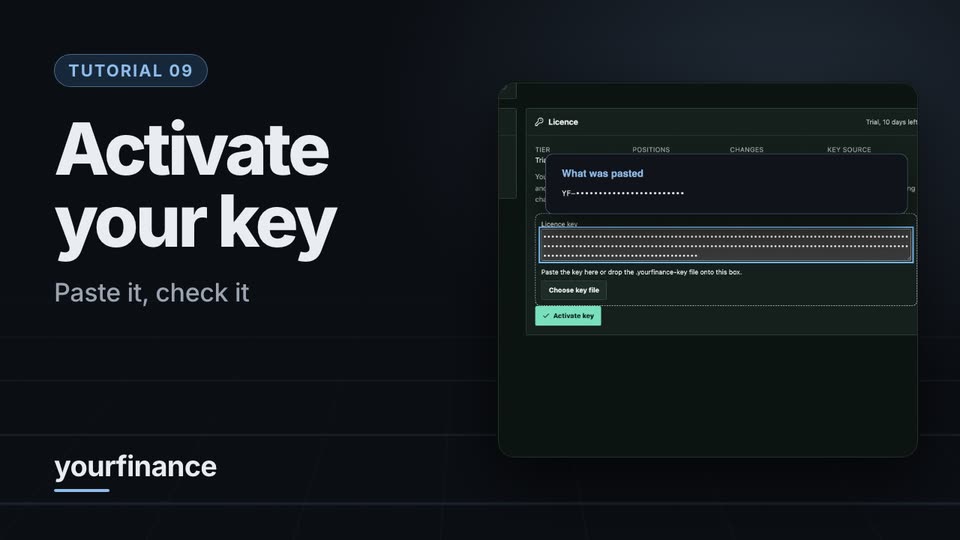
Activate your licence keyPaste, verify, one account on Beginner.

Agent coordination prototype

Control Room

A recorded engineering demonstration from August 2026. It shows a prototype, not a production deployment.

The project page →
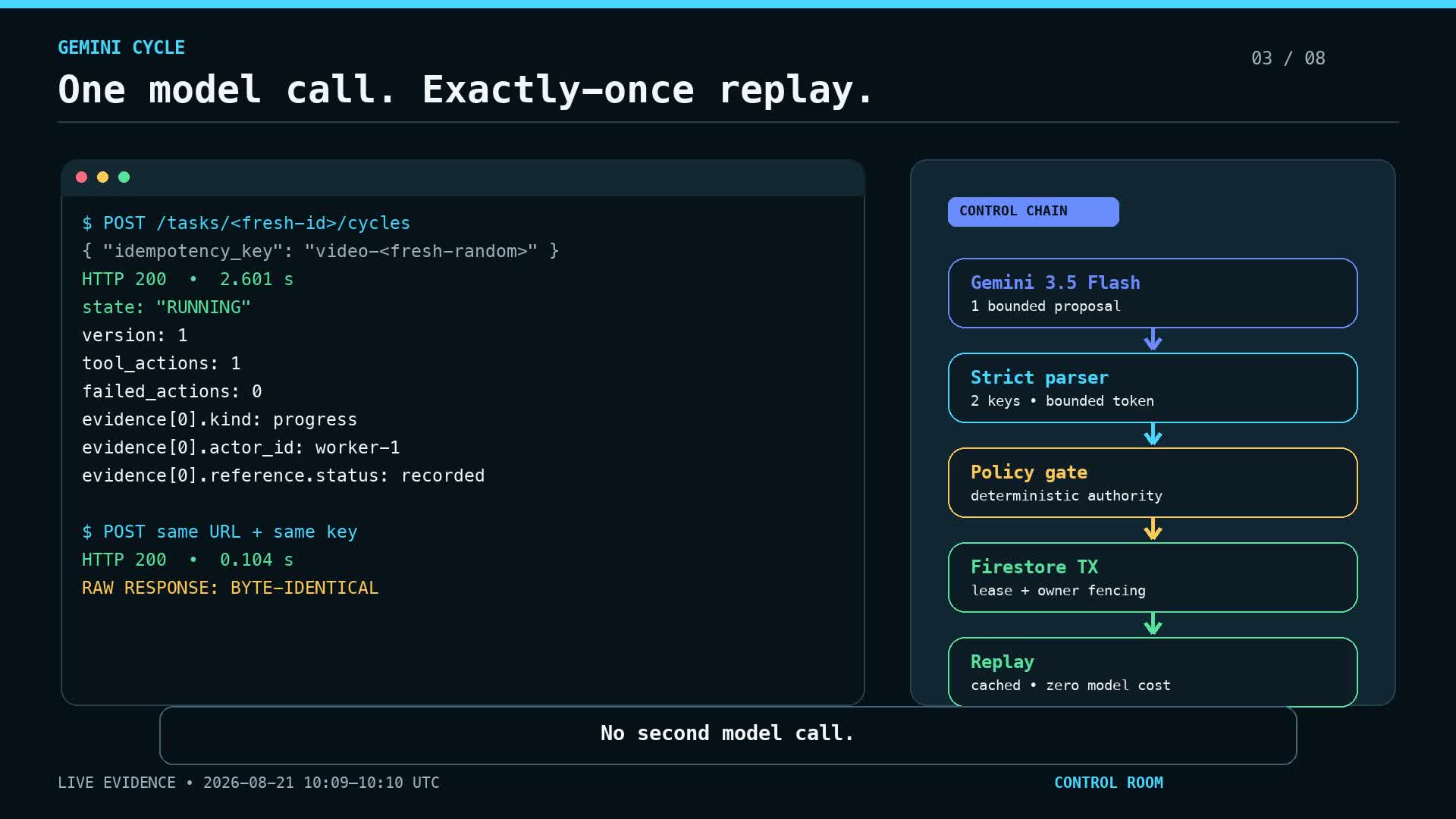
Recorded engineering walkthroughThe task lifecycle, a worker, a distinct verifier and the trail they leave.

START WITH ONE EMAIL

Tell us about
the task.

Four lines are enough. We answer by email, with questions or with a scope and a quote.
There is no form to fill in and nothing to sign up for.

Email the studiofutureinvoked@proton.me

WHAT TO PUT IN IT

  1. The taskWhat is done by hand today, and how often.
  2. The toolsWhere the data lives: files, sheets, apps.
  3. The resultWhat a good outcome looks like for you.
  4. The timingWhen you need it.
Write the email

The button opens your email app with the four questions already in the message. Examples: how to write a software brief.

Pricing on requestA quote is agreed before work beginsBased in CzechiaRegistered business: details on the imprint page →