
Custom desktop & web applications
Custom desktop
& web applications.
Private tools, dashboards, admin interfaces and product prototypes, built around your requirements instead of a template.
THE PROBLEM
When a spreadsheet or an off-the-shelf tool no longer fits the work.
Off-the-shelf software asks you to work its way. A custom tool can follow the way your team already works: the screens you need, the records you keep and the checks that matter to you. We build desktop applications that can keep data on your own computer, web dashboards and internal tools, and admin interfaces for small websites and products.
- Desktop applications for Mac and Windows
- Business dashboards and internal tools
- Admin interfaces and product prototypes
Projects that fit
- A spreadsheet that has grown into the team's main system
- An internal tool that only works on one person's computer
- A product idea that needs a working prototype to show
- Records that should stay on your own computer
What you get
Nothing is built before the scope and the quote are agreed.
- A scope and a quote agreed before work begins
- Reviews against the scope while the application takes shape
- The agreed deliverables, ready to use
- Setup, documentation and further support discussed with you
FROM OUR WORK
See similar work.
Short videos and project pages from work we have already built.
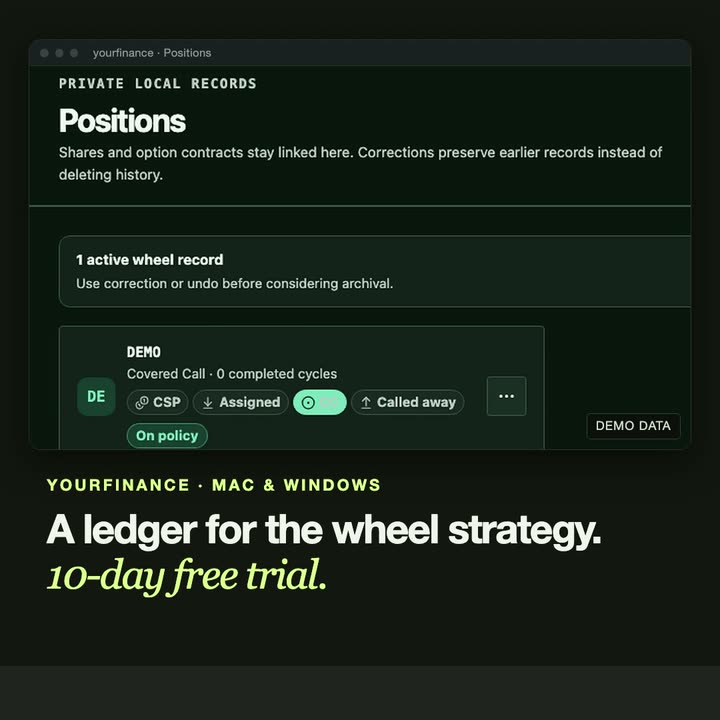
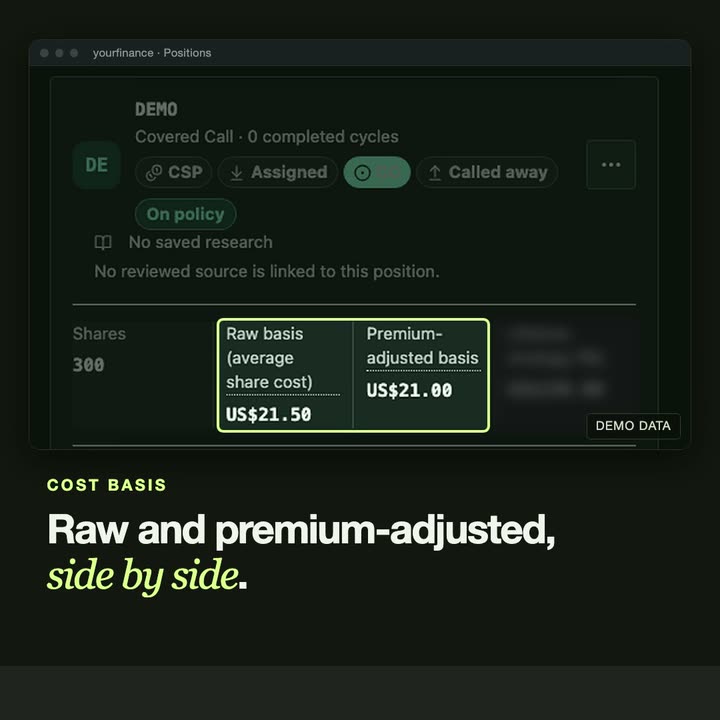
- yourfinance is our own desktop product for Mac and Windows: record-keeping for covered calls and the wheel strategy, with broker CSV imports.
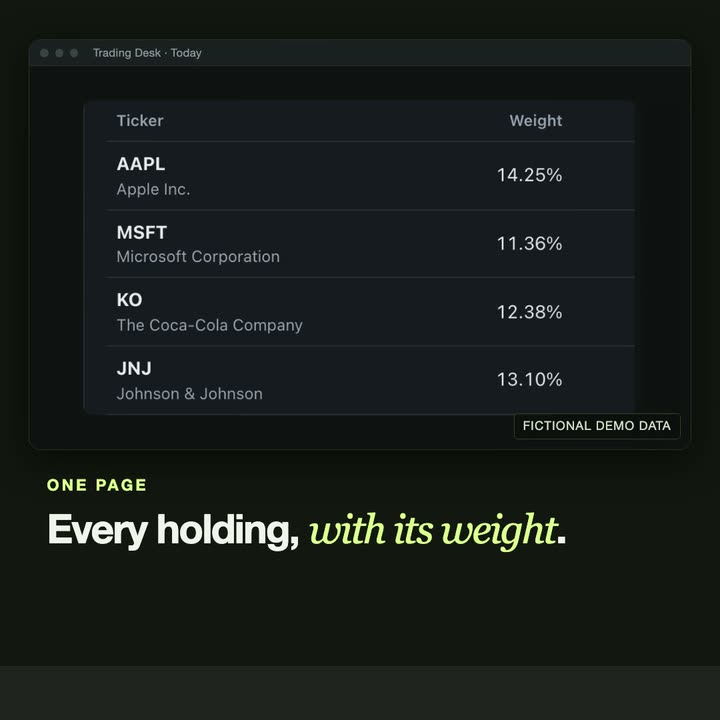
- Trading Desk is a local decision-support desk with a native Mac window. It never connects to a broker and never places an order.
- Managed Link Site is a small website with a private administration interface for its content.
- ClearMarket is an interface prototype that itemises the cost of each message sent to an AI agent.
GUIDES
Read first.
- Desktop app or web app: which does your business need? Desktop or web: where the data lives, who needs access, offline work, updates and running costs. A short guide to choosing for a business tool.
- When should a spreadsheet become an app? Seven signs a spreadsheet has outgrown itself, the options before custom software, and how to move to an app without losing what already works.
- How to write a software brief in four questions A software brief does not need a template. Answer four questions: the task, the tools, the result and the timing. With examples you can copy.
WORKING TOGETHER
Start with the problem.
Four steps. Nothing is built before the scope and the quote are agreed.
- 01
Share your brief
Email the problem, who the tool is for and what you need it to do. Existing tools or examples help.
- 02
Define the scope
Discuss requirements, constraints and deliverables. Agree a quote and approach before work begins.
- 03
Build & review
Review the work against the agreed scope and give feedback as the application takes shape.
- 04
Delivery & handover
Receive the agreed deliverables. Discuss setup, documentation and any further support your project needs.
QUESTIONS
Before you write.
- Desktop or web: which one do we need?
- A desktop application suits private data and work that should not depend on a connection. A web tool suits a team that works from several places. We suggest one after reading about the task, and say why.
- Do you build for Mac and Windows?
- Yes. yourfinance, our own product, runs on both, and Trading Desk has a native Mac window over a local web server.
- Can we see the software before it is finished?
- Yes. You review the work against the agreed scope and give feedback while the application takes shape.
- What does a custom application cost?
- Each application is quoted after we read your email and agree the scope together. The quote is agreed before any work begins.
- How do we start?
- Send one email with four things: the task, the tools you use today, what a good result looks like and when you need it. We answer by email, with questions or with a scope and a quote.
START WITH ONE EMAIL
Tell us about
the task.
Four lines are enough. We answer by email, with questions or with a scope and a quote.
There is no form to fill in and nothing to sign up for.
WHAT TO PUT IN IT
- The taskWhat is done by hand today, and how often.
- The toolsWhere the data lives: files, sheets, apps.
- The resultWhat a good outcome looks like for you.
- The timingWhen you need it.
The button opens your email app with the four questions already in the message. Examples: how to write a software brief.