
Desktop product
yourfinance
Your records. Your computer. Your decisions.
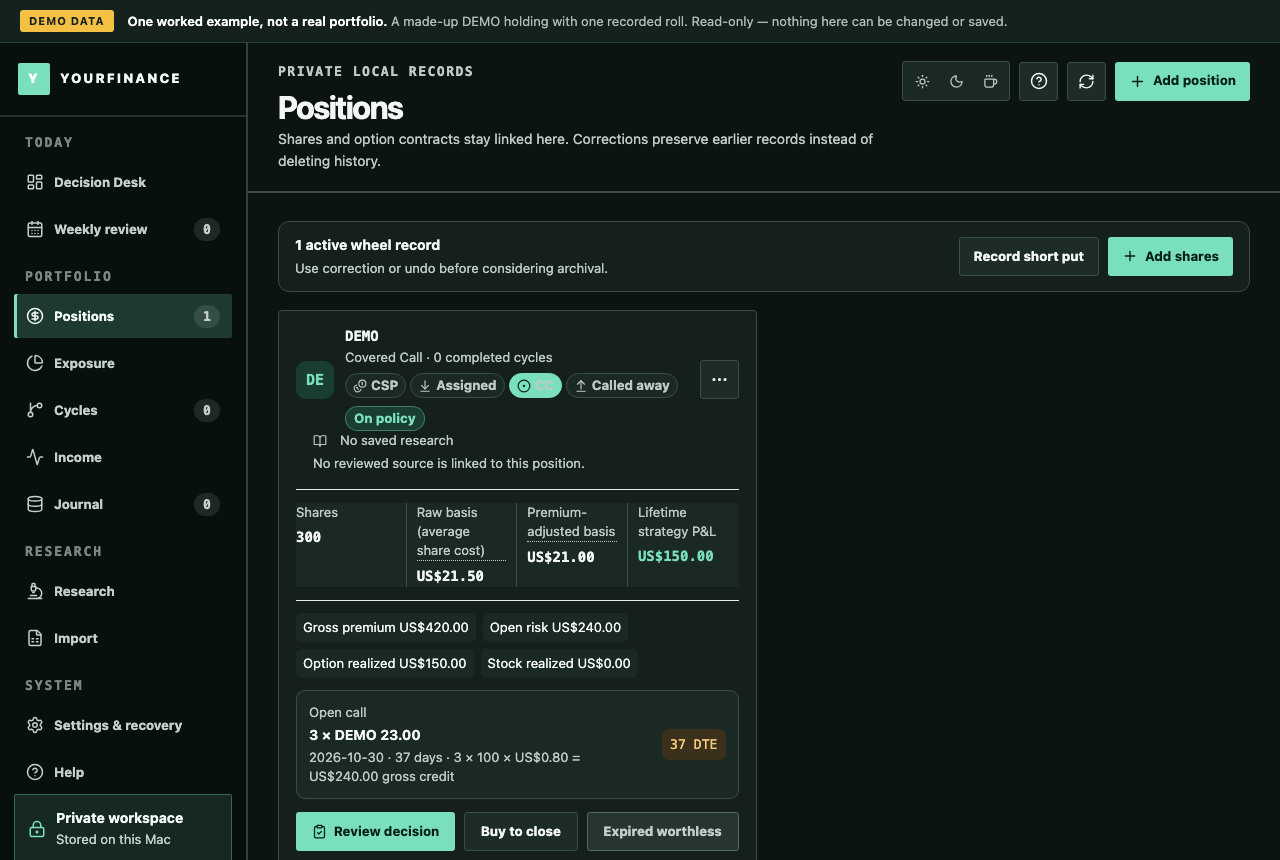 PROJECT SCREEN
THE PROJECT
Private desktop software for covered calls, cash-secured puts and the wheel strategy.
Option premium collected today is not the same as profit realized. yourfinance keeps those records distinct, follows a position through rolls and assignment, and shows how realized premium changes its cost basis. Broker CSV staging, local records and exports make the ledger easier to inspect and maintain.
- Raw and premium-adjusted cost basis
- Broker CSV preview, imports and exports
- Realized income, position history and recovery
Mac and Windows desktop product. Screens and video use fictional demo holdings.
CASE STUDY
Problem, approach, result.
The problem
People who sell covered calls and cash-secured puts usually track them in a spreadsheet or in their broker's exports. Two numbers get mixed up there: premium that has been collected and premium that is actually realized.
After a roll or an assignment, the cost basis of the shares is easy to get wrong, and a spreadsheet keeps no history of how a position got to where it is.
The approach
We built a desktop application that keeps each position as one record through every stage: the shares, the calls sold against them, rolls, assignment and shares called away.
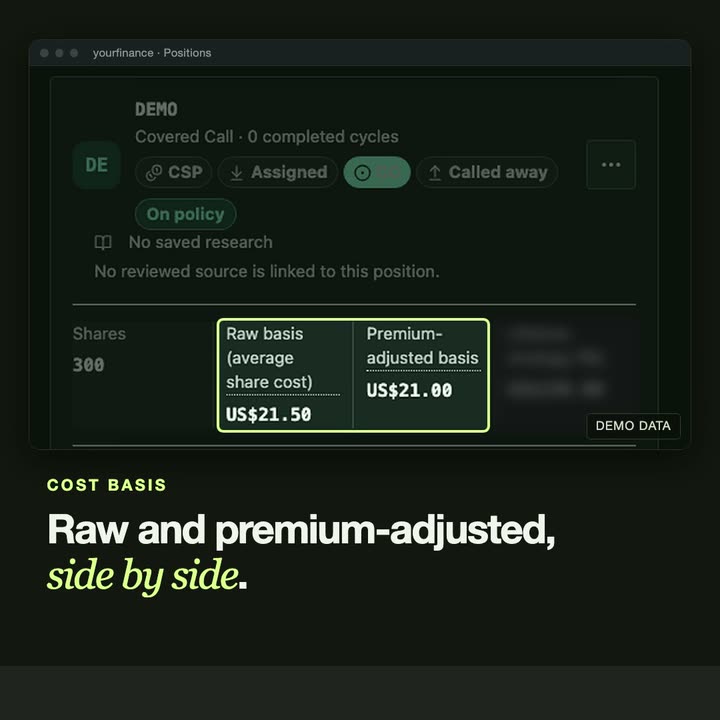
It shows the raw and the premium-adjusted cost basis side by side, keeps collected, realized and still-at-risk premium apart, and reads broker CSV exports from IBKR, DEGIRO, Trading 212 and Trade Republic with a preview before anything is saved. The records stay on the user's own computer.
The result
yourfinance is a released product for Mac and Windows, also in the Microsoft Store, with a 10-day free trial and nine video tutorials. It is sold at useyourfinance.com. It keeps records; it does not give investment advice.
Related service: Custom desktop & web applications →
THE INTERFACE
A closer look.
IN MOTION
Watch the project.
TUTORIALS
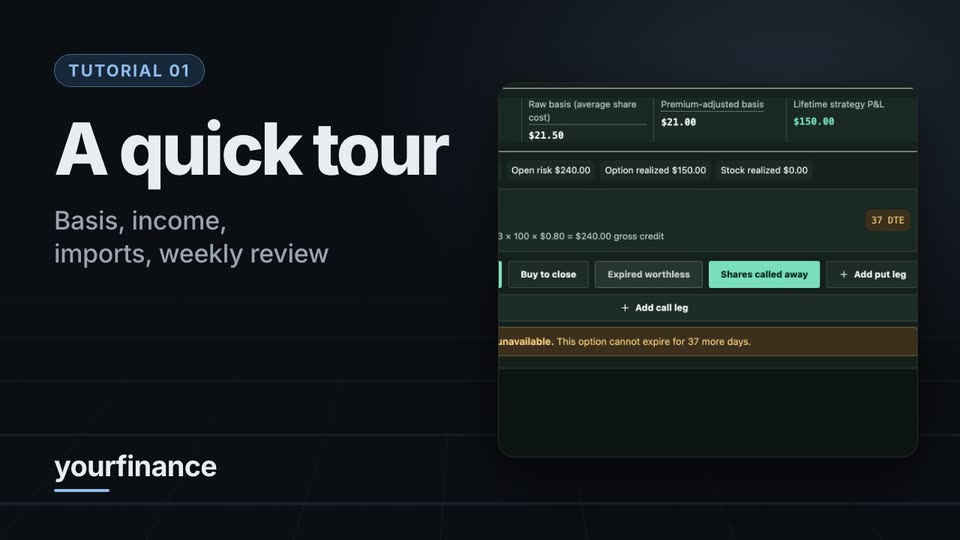
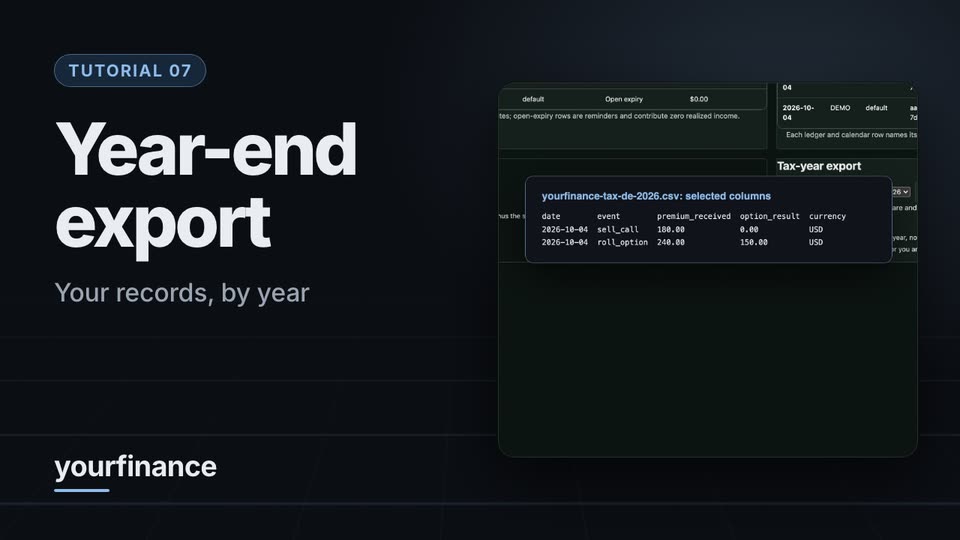
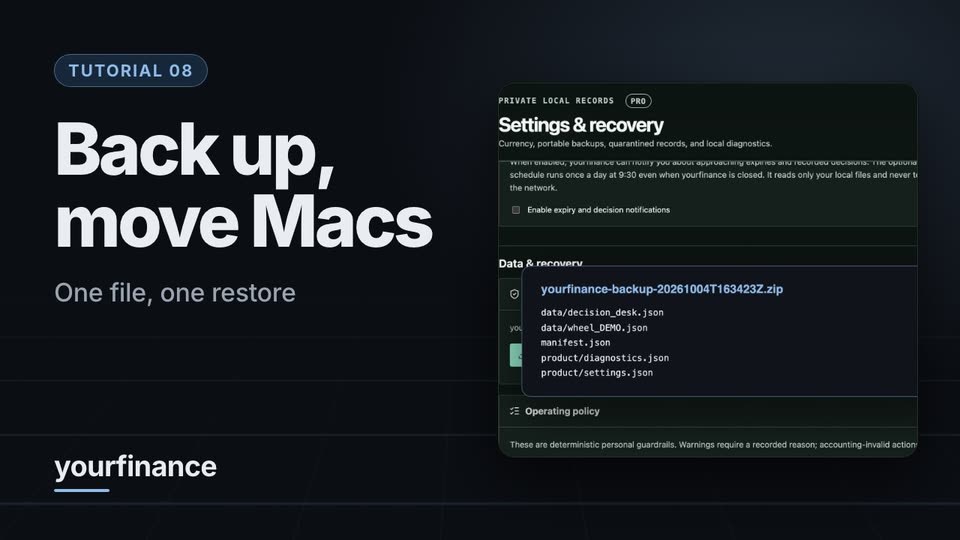
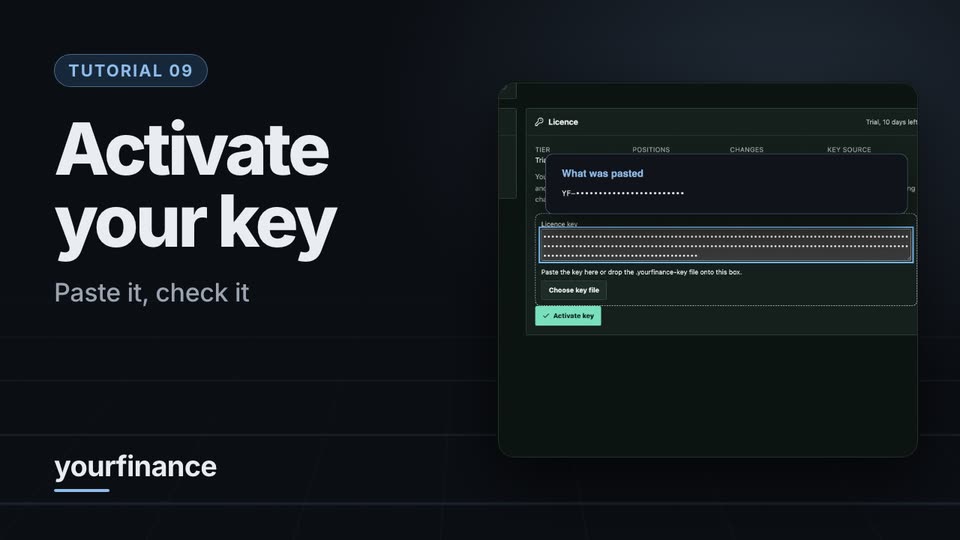
Learn it step by step.
Screen recordings of the app with made-up demo data. They show how the software keeps records; nothing in them is investment or tax advice. The player loads from YouTube when you press play.
GET IT
Download and run it.
The download is the full application: a 10-day free trial with every feature, then read-only until you buy a key. Installers for Mac and Windows, install steps and checksums are on the product website.
- Download for Mac or Windows ↗10-day free trial with every feature · macOS 13 or later, Windows 10 or 11
- Microsoft Store ↗Windows 10 or 11 · signed by Microsoft, updates through the Store
UNDER THE SURFACE
How it fits together.
The packaged launcher starts a local session. The accounting layer reads and writes local records; imports are staged for review and reporting is derived from the ledger.
Swipe or scroll the diagram to inspect it. The components are also listed below.
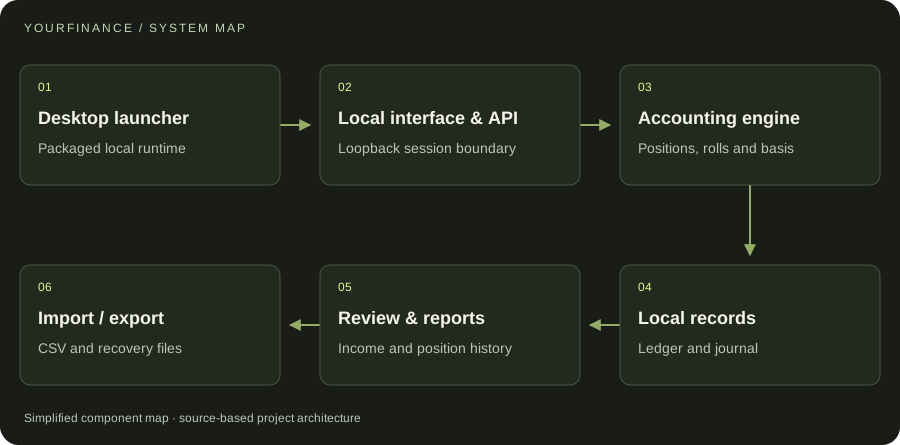
- 01Desktop launcher
Packaged local runtime
- 02Local interface & API
Loopback session boundary
- 03Accounting engine
Positions, rolls and basis
- 04Local records
Ledger and journal
- 05Review & reports
Income and position history
- 06Import / export
CSV and recovery files
START WITH ONE EMAIL
Need something
like this?
Tell us what you would use it for. The four lines on the right are enough to start.
There is no form to fill in and nothing to sign up for.
WHAT TO PUT IN IT
- The taskWhat is done by hand today, and how often.
- The toolsWhere the data lives: files, sheets, apps.
- The resultWhat a good outcome looks like for you.
- The timingWhen you need it.
The button opens your email app with the four questions already in the message. Examples: how to write a software brief.