
Agent coordination prototype
Control Room
Make the work visible. Verify the result.
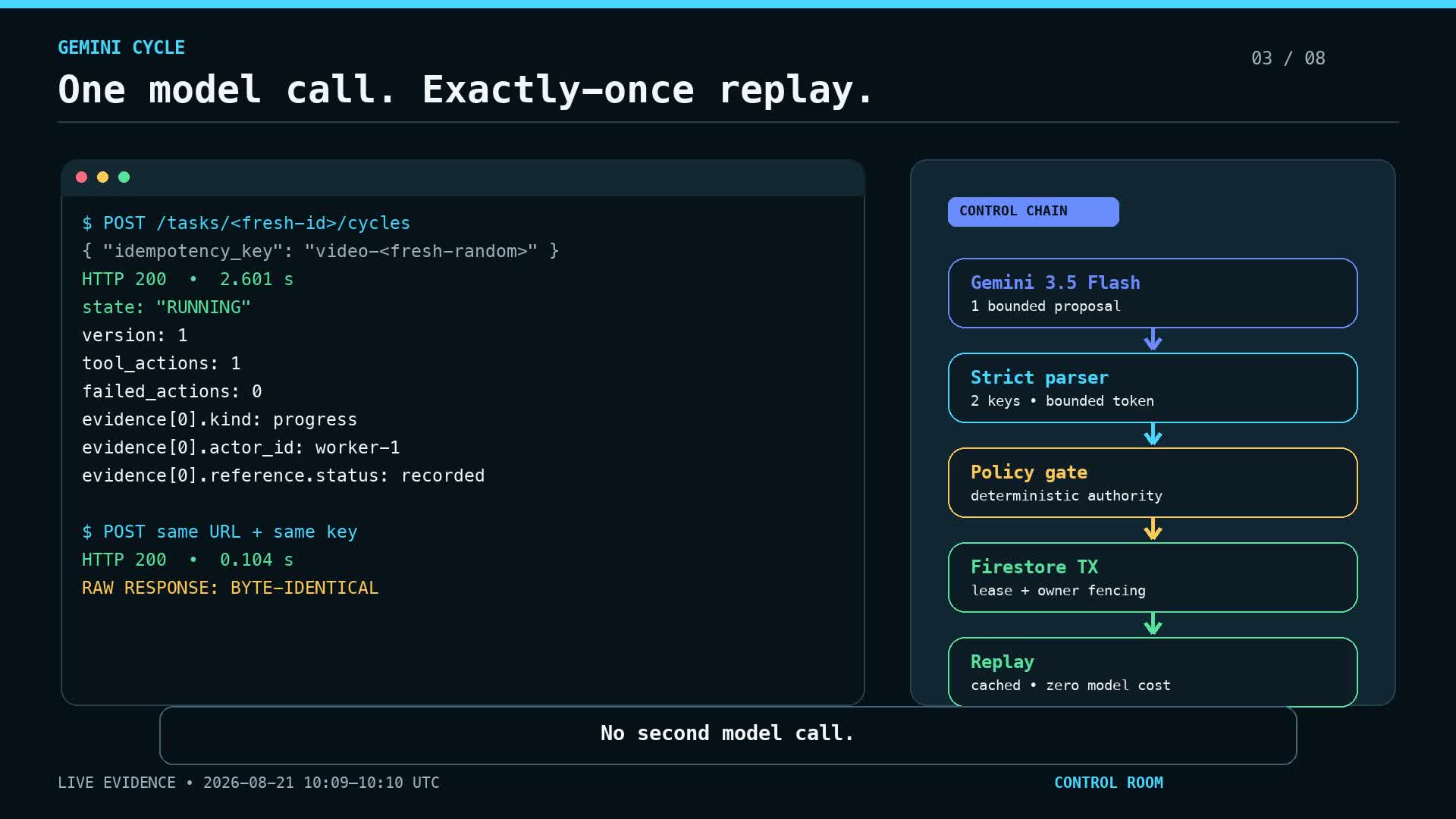 PROJECT SCREEN
THE PROJECT
A control plane for tasks, worker coordination, verification and operational evidence.
Tasks move through an explicit coordinator rather than disappearing into a chat session. Worker output and distinct verifier decisions have separate roles. Policy, persistence adapters and telemetry make it possible to inspect what was requested, what happened and what evidence supports a result.
- Task and coordinator state
- Separate worker and verifier roles
- Policy checks, persistence and telemetry
Recorded engineering demonstration. It does not establish a current production deployment or unattended runtime.
CASE STUDY
Problem, approach, result.
The problem
When AI agents do real work, it is hard to see what was asked, what was done and whether anyone checked it. A chat session leaves no reliable trail, and the agent that did the work is a poor judge of its own result.
The approach
Control Room moves tasks through an explicit coordinator instead of a chat session. The worker's output and a separate verifier's decision are distinct roles.
Policy checks, persistence and telemetry record what was requested, what happened and what evidence supports each result, so the trail can be inspected afterwards.
The result
A recorded engineering demonstration from August 2026, with a walkthrough video. It is a prototype, not a production deployment; the same pattern of a separate check and a visible trail runs through the AI tools we build.
Related service: AI integration with human controls →
THE INTERFACE
A closer look.
IN MOTION
Watch the project.
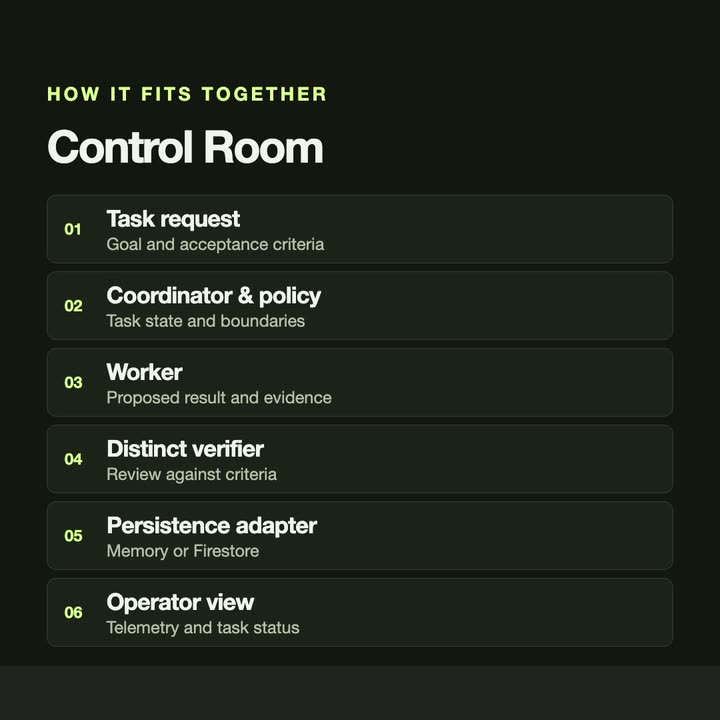
WALKTHROUGH
Follow it from start to finish.
A recorded engineering demonstration from August 2026. It shows a prototype, not a production deployment. The player loads from YouTube when you press play.
UNDER THE SURFACE
How it fits together.
The coordinator owns task state. Workers produce results and verifiers assess them separately; persistence and telemetry adapters expose the task lifecycle.
Swipe or scroll the diagram to inspect it. The components are also listed below.
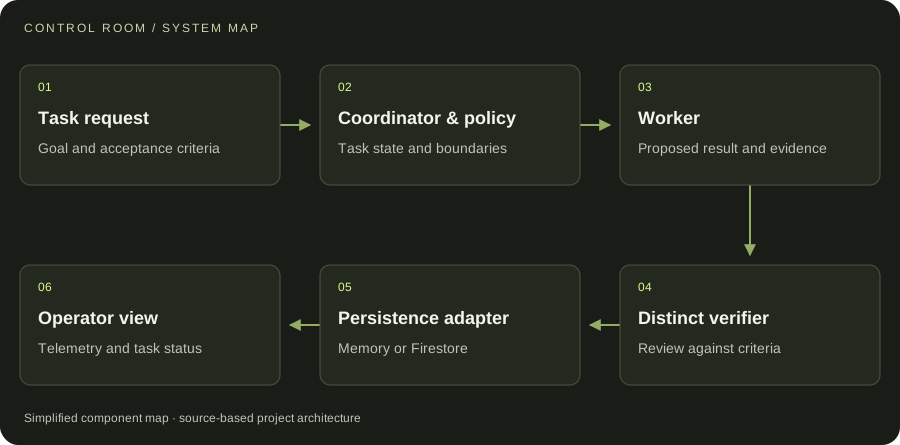
- 01Task request
Goal and acceptance criteria
- 02Coordinator & policy
Task state and boundaries
- 03Worker
Proposed result and evidence
- 04Distinct verifier
Review against criteria
- 05Persistence adapter
Memory or Firestore
- 06Operator view
Telemetry and task status
START WITH ONE EMAIL
Need something
like this?
Tell us what you would use it for. The four lines on the right are enough to start.
There is no form to fill in and nothing to sign up for.
WHAT TO PUT IN IT
- The taskWhat is done by hand today, and how often.
- The toolsWhere the data lives: files, sheets, apps.
- The resultWhat a good outcome looks like for you.
- The timingWhen you need it.
The button opens your email app with the four questions already in the message. Examples: how to write a software brief.